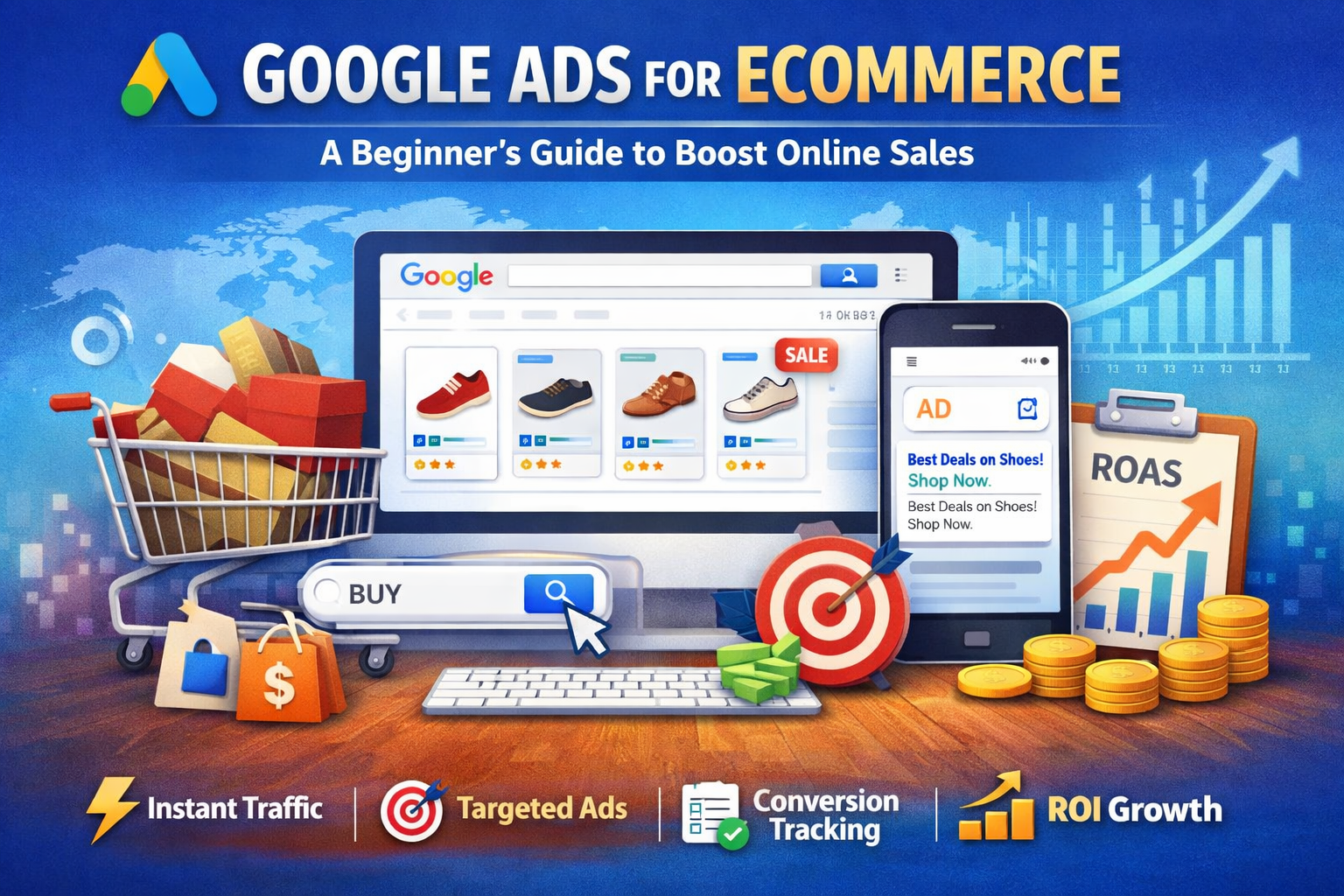
Introduction
The ecommerce industry is
growing rapidly, and with that growth comes intense competition. Thousands of
online stores are competing for the same customers every day. Simply launching
an online store is no longer enough—you need effective marketing strategies to
attract visitors and convert them into buyers.
Paid advertising has become
one of the most powerful ways for ecommerce businesses to drive traffic and
increase sales. Among all digital advertising platforms, Google Ads stands
out as one of the most effective tools for reaching customers who are actively
searching for products.
Google Ads allows businesses
to display advertisements directly in Google search results, across websites,
YouTube, and other Google platforms. This means you can reach potential
customers at the exact moment they are looking for products similar to yours.
In this guide, you will
learn what Google Ads is, why it is beneficial for ecommerce stores, and a
step-by-step process to set up successful campaigns that can boost your online
sales.
What is Google Ads?
Google Ads is an online
advertising platform developed by Google that allows businesses to
promote their products or services across Google's network. It works mainly on
a pay-per-click (PPC) model, which means advertisers pay only when
someone clicks on their ad.
In simple terms, businesses
bid on keywords that people search for on Google. When users search for those
keywords, Google may display the advertiser’s ads at the top of the search
results.
For ecommerce businesses,
Google Ads is particularly powerful because it targets users with high
purchase intent—people who are already searching for products.
The Google Ads ecosystem
includes several campaign types such as Search Ads, Display Ads, Shopping Ads,
and Performance Max campaigns, allowing businesses to reach customers across
multiple digital channels.
Benefits of Using Google Ads for Ecommerce
1 Instant Traffic
Unlike SEO, which can take
months to show results, Google Ads can start bringing traffic to your website
almost immediately. Once your campaign is live, your ads can appear in search
results within minutes.
2 Highly Targeted Audience
Google Ads allows businesses
to target very specific audiences. You can reach users based on:
A.Search intent
B.Location
C.Device type
D.Demographics
E.Interests and online
behavior
This ensures that your ads
are shown to people who are most likely to purchase your products.
3 Measurable Results
One of the biggest
advantages of Google Ads is its ability to provide detailed analytics.
Businesses can track metrics such as clicks, conversions, impressions, and
return on investment (ROI). This data helps marketers understand what works and
what needs improvement.
4 Scalability
Google Ads campaigns can
easily scale based on business needs. If a campaign performs well, you can
increase the budget to generate more sales. If results are not satisfactory,
you can adjust or pause campaigns without long-term commitments.
Types of Google Ads Campaigns for Ecommerce
1 Google Shopping Ads
Shopping Ads display product
images, prices, and store names directly in search results. These ads are
highly effective for ecommerce because they visually showcase products before
users even click.
2 Search Ads
Search Ads are text-based
advertisements that appear when users search for specific keywords. These ads
are ideal for targeting customers with strong buying intent.
3 Display Ads
Display Ads are visual
banner ads that appear across websites within the Google Display Network. They
are useful for increasing brand awareness and reaching a wider audience.
4 Remarketing Ads
Remarketing campaigns target
users who have previously visited your website but did not make a purchase.
These ads remind potential customers about your products and encourage them to
return and complete their purchase.
5 Performance Max Campaigns
Performance Max campaigns
use Google’s AI to run ads across multiple platforms, including Search,
Display, YouTube, Gmail, and Discover. This campaign type helps businesses
maximize reach and conversions using automation.
Step-by-Step Guide to Setting Up Google Ads for
Ecommerce
Step 1: Create a Google Ads Account
Start by creating a Google
Ads account and setting up basic business information such as location, billing
details, and advertising goals.
Step 2: Set Up Conversion Tracking
Conversion tracking is
essential for measuring success. It helps you track actions like purchases,
add-to-cart events, and sign-ups.
Step 3: Connect Google Merchant Center
If you plan to run Shopping
Ads, connect your store with Google Merchant Center. This platform allows you
to upload and manage your product feed.
Step 4: Conduct Keyword Research
Keyword research helps
identify the search terms your potential customers are using. Focus on
high-intent keywords related to your products.
Step 5: Create Your First Campaign
Choose the campaign type
that suits your goals—Search, Shopping, Display, or Performance Max. Define
your campaign objective, such as sales or website traffic.
Step 6: Set Budget and Bidding Strategy
Set a daily budget that fits
your marketing plan. You can choose between manual bidding (more control) or
automated bidding (Google optimizes bids for conversions).
Step 7: Write Compelling Ad Copy
Effective ads should
include:
A.Attention-grabbing
headlines
B.Clear product benefits
C.Strong call-to-action
(CTA)
Step 8: Optimize Your Product Feed
Ensure your product feed
includes detailed titles, descriptions, high-quality images, and accurate
pricing. Well-optimized product feeds improve ad performance.
Best Practices to Maximize Ecommerce Sales
To get the best results from
Google Ads, follow these proven strategies:
1.Use high-quality product
images
2.Focus on high-intent
keywords
3.Run remarketing campaigns
4.Optimize landing pages for
conversions
5.Continuously monitor and
improve campaign performance
Common Mistakes to Avoid
Many beginners make mistakes
that reduce campaign performance. Avoid these common issues:
1.Not using negative
keywords
2.Poorly optimized product
feeds
3.Ignoring mobile users
4.Running ads without
conversion tracking
5.Setting unrealistic
advertising budgets
Tools That Help Improve Google Ads Performance
Several tools can help
optimize your campaigns, including:
1.Keyword research tools for
finding profitable keywords
2.Google Analytics for
tracking user behavior
3.Conversion tracking tools
for measuring sales
4.Competitor analysis tools
for identifying market opportunities
Measuring Success: Key Metrics to Track
To evaluate the success of
your campaigns, monitor these important metrics:
1.Click-Through Rate (CTR)
2.Conversion Rate
3.Cost per Conversion
4.Return on Ad Spend (ROAS)
5.Quality Score
Tracking these metrics helps
you understand campaign performance and make data-driven decisions.
Conclusion
Google Ads is one of the
most powerful tools for ecommerce businesses looking to increase visibility,
drive targeted traffic, and boost online sales. With the right strategy,
businesses can reach potential customers at the exact moment they are searching
for products.
However, success with Google
Ads requires continuous testing, optimization, and performance analysis. By
starting with a small budget, learning from data, and gradually scaling
successful campaigns, ecommerce businesses can build a profitable advertising
strategy that drives long-term growth.